
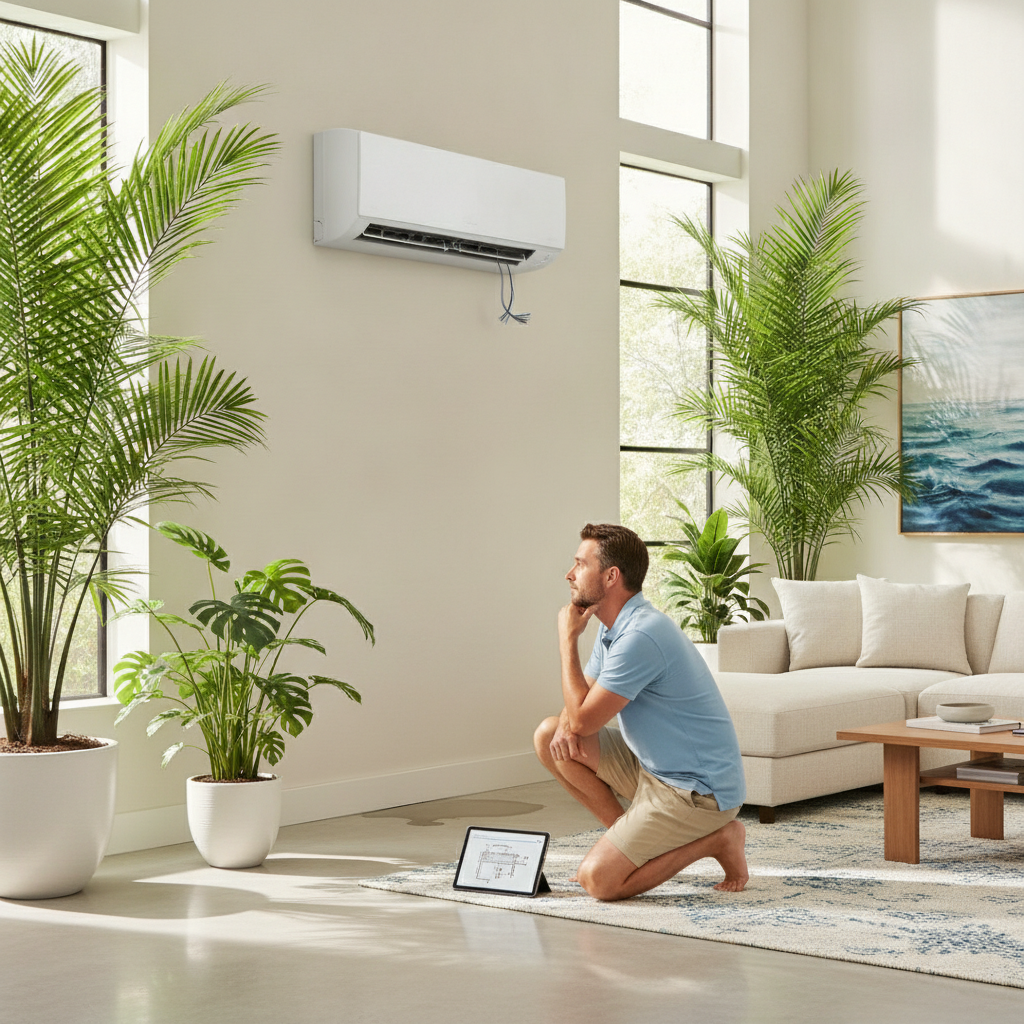
Few things are as stressful as an air conditioning breakdown in the middle of a sweltering day, especially when you’re waiting for help to arrive. For small homeowners, developers, and residents alike, a malfunctioning AC can disrupt productivity, comfort, and even safety. Before the technician gets to your door, there are practical steps you can take to troubleshoot the issue and possibly restore some cooling relief. This guide will walk you through what to check, how to stay safe, and when to call for emergency AC repair Tampa FL services. Whether you’re facing a sudden shutdown or odd noises from your system, understanding these troubleshooting basics can help you make informed decisions and communicate clearly with your service provider. Let’s dive into the actionable steps you can take when your AC stops working, so you can regain control and minimize downtime.
Initial Safety Checks Before Touching Your AC
When your air conditioner suddenly stops working, your first instinct might be to rush over and start poking around. However, safety should always come first. Before you do anything else, make sure you turn off the power to your AC unit at the breaker box. This simple step protects you from electrical hazards and prevents further damage to your system. If you notice burning smells, smoke, or visible sparks, evacuate Tampa and wait for professional help, these are signs of serious electrical issues that should only be handled by certified technicians.
For those in Tampa, it’s especially important to be aware of your surroundings. Wet floors, leaking refrigerant, or exposed wiring can all present additional risks. If you see water pooling near your indoor unit, avoid stepping in it until you’re sure it’s safe. Remember, your safety and the safety of others in your building always take precedence over troubleshooting.
Once you’ve confirmed it’s safe to proceed, gather a flashlight, a notepad, and your phone. These tools will help you document any issues, take photos for reference, and communicate effectively with your AC technician. For reliable support and expert guidance, consider reaching out to Nolan Air for professional advice and service.
Checking Your Thermostat for Common Issues
A surprisingly large number of AC breakdowns stem from thermostat problems rather than the air conditioner itself. Start by verifying that your thermostat is set to “cool” and the temperature is set lower than the current room temperature. If your thermostat is battery-powered, try replacing the batteries, dead batteries are a frequent culprit for sudden system failures.
Next, check the display for any error messages or blinking icons. Modern programmable thermostats may lock out the system if they detect issues, so look for any warnings or unusual symbols. If you have a smart thermostat, ensure it’s connected to Wi-Fi and hasn’t lost its settings due to a power outage. Sometimes, simply resetting the thermostat by turning it off and back on can resolve minor glitches.
If after these checks your AC still won’t start, make a note of what you see on the thermostat display. This information can help your technician diagnose the problem more quickly. For more insights into frequent AC issues and how to prevent them, check out Top Causes of AC Breakdowns in Tampa’s Heat and How to Prevent Them.
Inspecting Air Filters and Vents for Blockages
One of the most common reasons for an AC to stop cooling effectively is a clogged or dirty air filter. When airflow is restricted, your system works harder, which can lead to overheating and even shutdowns. Locate your air filter, usually found behind a return air grille or inside the indoor unit, and check its condition. If it’s covered in dust or debris, replace it with a new one or clean it according to the manufacturer’s instructions.
Don’t forget to inspect the supply and return vents throughout your space. Make sure they’re not blocked by furniture, curtains, or other objects. Even partially blocked vents can disrupt the balance of airflow and cause uneven cooling or system strain. Take a walk around your home or home and open all vents fully to maximize air circulation.
If you’re unsure about the right type of filter or how often to change it, consult your system’s manual or ask a professional during your next service call. For those considering a new AC installation to improve efficiency and reliability, you might want to explore 7 Smart Reasons to Choose Professional AC Installation in Tampa, FL.
Power Supply and Circuit Breaker Troubleshooting
If your AC isn’t turning on at all, the issue may lie with your power supply. Head to your electrical panel and look for the breaker labeled for your air conditioning system. If it’s tripped, reset it by switching it off and then back on. Sometimes, a brief power surge or overload can cause the breaker to trip, cutting off power to your AC unit.
Be cautious: if the breaker trips again immediately after resetting, do not attempt to force it back on. This could indicate a deeper electrical problem that requires professional attention. Take note of any unusual buzzing sounds or flickering lights in your space, as these can signal electrical issues. Documenting these details will help your technician pinpoint the source of the problem faster.
In some cases, the outdoor disconnect switch, usually located near your exterior AC unit, may have been accidentally turned off during yard work or maintenance. Check that it’s in the “on” position before proceeding with further troubleshooting. Always prioritize safety and avoid handling electrical components if you’re unsure.
Listening for Unusual Noises and What They Mean
Strange sounds coming from your AC system can be an early warning sign of mechanical issues. Listen carefully for grinding, squealing, banging, or rattling noises. Each type of sound can indicate a different problem. For example, grinding often points to motor or bearing issues, while rattling may suggest loose panels or debris caught in the fan.
If your AC is making loud or persistent noises, turn off the system and wait for a technician to inspect it. Running the unit in this condition can cause further damage and increase repair costs. Make a note of when the noise started, how often it occurs, and whether it changes with different settings. This information will be valuable for diagnosing the issue.
For homeowners, odd sounds can also be disruptive to household and customers. Addressing them promptly helps maintain a comfortable and professional environment. Remember, some noises are harmless, but others signal urgent repairs, when in doubt, err on the side of caution.
Assessing Airflow and Temperature Fluctuations
If your AC is running but not cooling as expected, check the airflow from your vents. Weak airflow can result from clogged filters, blocked ducts, or failing blower motors. Hold your hand up to several vents and compare the strength of the air coming out. If some rooms are much warmer or cooler than others, you may have a ductwork issue or a zoning problem.
Use a thermometer to measure the temperature difference between the air entering your return vent and the air coming out of your supply vents. A healthy AC system should show a noticeable drop in temperature, typically around 15 to 20 degrees Fahrenheit. If the difference is minimal, your system may be low on refrigerant or experiencing compressor trouble.
Keep track of these measurements and share them with your technician. The more detailed your observations, the easier it will be for them to diagnose and fix the problem quickly. Consistent airflow is key to comfort and efficiency, so don’t overlook these checks.
What to Do If You See Water or Ice Buildup
Water pooling around your indoor unit or ice forming on the refrigerant lines are signs that your AC is struggling. Ice buildup often indicates restricted airflow, low refrigerant, or a malfunctioning blower. If you notice ice, turn off your system and let it thaw completely before restarting. Running the unit while frozen can damage the compressor and lead to costly repairs.
Water leaks are commonly caused by clogged condensate drain lines or overflowing drain pans. Check for visible blockages in the drain line and clear them if possible. If you’re unable to resolve the issue, place towels around the unit to contain the water and prevent damage to floors or equipment.
Document the extent of the water or ice and take photos for your technician. This evidence can help them identify the root cause and recommend the right solution. Addressing moisture issues promptly protects your property and prevents mold growth.
Quick Reference Table: Troubleshooting Steps and What to Check
| Issue | What to Check | Next Step |
|---|---|---|
| AC won’t turn on | Breaker, thermostat, power supply | Reset breaker, check batteries, call technician if unresolved |
| Weak airflow | Air filter, vents, ducts | Replace filter, clear vents, schedule duct inspection |
| No cooling | Thermostat settings, refrigerant, compressor | Adjust settings, call for refrigerant check |
| Strange noises | Fan, motor, loose parts | Turn off system, wait for technician |
| Water or ice buildup | Drain line, filter, refrigerant lines | Thaw ice, clear drain, call technician |
Communicating Effectively With Your AC Technician
Being prepared with clear information can make your technician’s job much easier and speed up the repair process. Before your appointment, jot down the symptoms you’ve observed, any troubleshooting steps you’ve taken, and the results. Include details like when the problem started, whether it’s intermittent or constant, and any error codes or unusual sounds you’ve noticed.
If possible, take photos or short videos of the issue, visual evidence can be invaluable for diagnosing complex problems. Share your notes and media with the technician upon arrival, and be ready to answer follow-up questions. The more context you provide, the faster your AC can be restored to full operation.
For homeowners, clear communication helps minimize downtime and ensures your team or customers stay comfortable. Don’t hesitate to ask your technician for maintenance tips to prevent future breakdowns.
Temporary Comfort Tips While You Wait
While you’re waiting for professional help, there are several ways to keep your environment as comfortable as possible. Close blinds and curtains to block out direct sunlight and reduce heat gain. Use portable fans to circulate air and create a cooling breeze. If it’s safe, open windows during cooler parts of the day or evening to let in fresh air.
For businesses, consider moving meetings or operations to shaded or naturally cooler areas. Encourage household to stay hydrated and take breaks as needed. Avoid using heat-generating appliances like ovens or dryers, as they can make indoor temperatures rise quickly.
If you have access to a dehumidifier, run it to reduce moisture in the air, lower humidity can make higher temperatures feel more tolerable. These small adjustments can help maintain comfort until your AC is back in action.
When to Call for Emergency AC Repair in Tampa
Not every AC issue requires immediate emergency service, but some situations demand urgent attention. If your system stops working during extreme heat, especially in environments with vulnerable individuals or sensitive equipment, call for emergency AC repair right away. Other red flags include burning smells, electrical sparks, smoke, or water leaks that threaten property damage.
For homeowners, rapid response is crucial to minimize disruption and protect your assets. Keep the contact information of a trusted local HVAC provider handy so you can act quickly when needed. Don’t wait for minor issues to escalate, addressing problems early can save you time, money, and stress.
If you’re unsure whether your situation qualifies as an emergency, err on the side of caution and consult with a professional. They can advise you on the best course of action based on your specific circumstances.
Key Takeaways
Facing an unexpected AC breakdown can be overwhelming, but knowing what steps to take before the technician arrives can make a significant difference. Prioritize safety by shutting off power and avoiding hazardous situations, then systematically check your thermostat, air filters, vents, and power supply. Listen for unusual noises, monitor airflow, and watch for signs of water or ice buildup. Document your findings to help your technician diagnose the issue efficiently, and use temporary comfort strategies to stay cool.
Remember, not all problems can be fixed without professional help, but your proactive approach can minimize downtime and prevent further damage. Whether you’re a homeowner, developer, or resident, being prepared and informed ensures you can handle AC emergencies with confidence. For expert service and peace of mind, always have a trusted HVAC provider in your contact list, and don’t hesitate to call for emergency AC repair when the situation demands it.